Welcome to FreeDi
FreeDi is a complete 3D printer firmware solution built on official, unmodified mainline Klipper for QIDI printers.
The goal of this project is to give you the ownership of your printer, so you can do whatever you want with it.
Update, enhance, tuning, modifying? FreeDi has you covered!

The foundation runs on an open operating system (Armbian) with transparent, community-driven Klipper at its core.
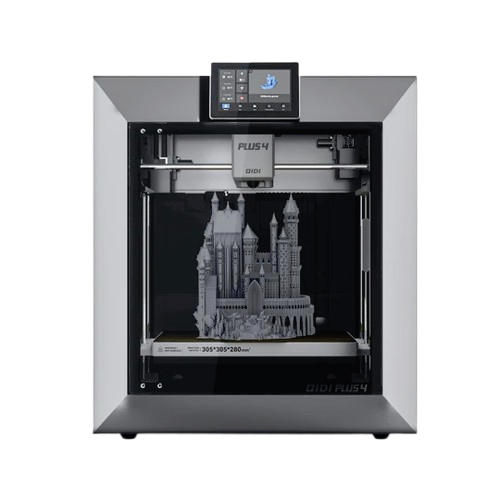
Originally developed for the QIDI X3 series (X-Smart3, X-Plus3, X-Max3), FreeDi now supports additional models including the Q1 Pro and Plus4.
The install process is as simple as possible, because we don't want to lock out beginners.
Software only
FreeDi is a software/firmware project. It can improve performance, stability, and usability - but it cannot fix underlying hardware issues. If your printer has a mechanical or electrical defect, FreeDi won't change that.
Supported printers:
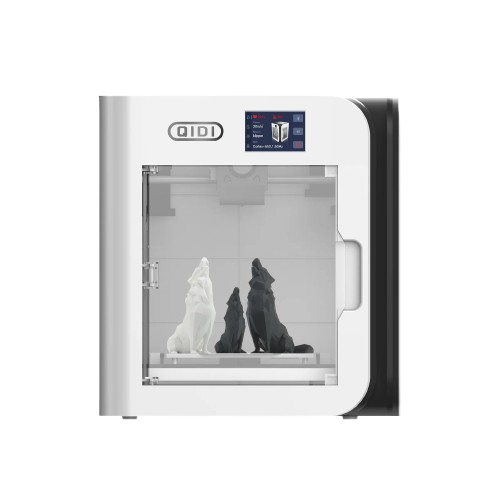
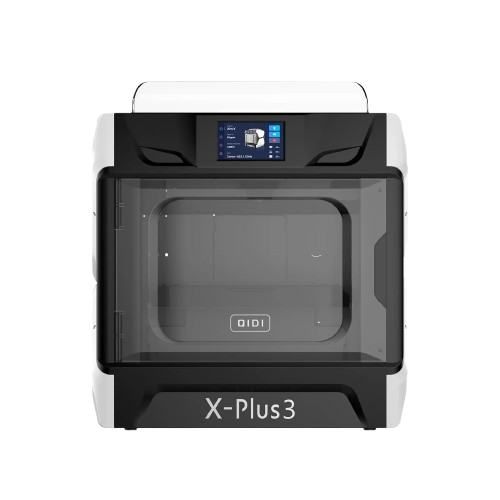
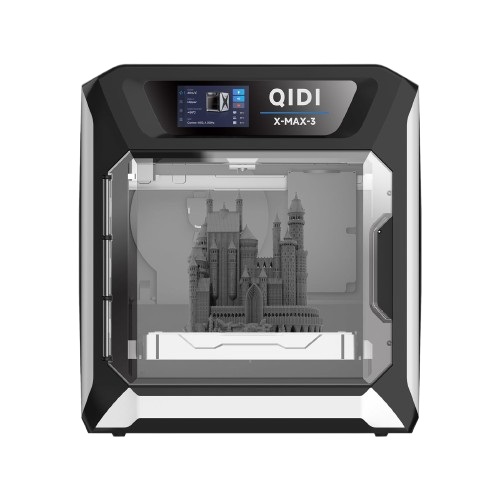
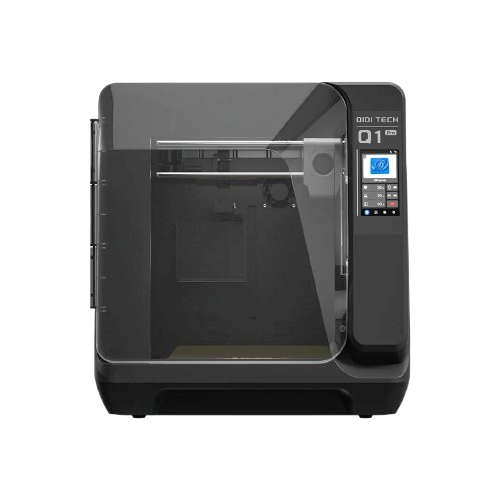
Why Users Choose FreeDi
FreeDi is more than just a firmware update - it's a complete ecosystem that makes your printer better, faster, and safer.
Many users switch to FreeDi not just for the features, and here are the reasons why:
- Full access to the Klipper ecosystem - use modern plugins like Cartographer, Beacon, Shake&Tune, Spoolman, and more without compatibility issues (stock systems run OS and Klipper versions up to 4 years old, making updates nearly impossible without expert knowledge)
- More storage space for your prints - FreeDi provides ~2.6GB of free space on an 8GB eMMC compared to stock's ~500MB, eliminating the frustration of running out of room for your favorite addons & gcode files
- Security First: FreeDi passes security audits that stock firmware fails - critical for users in security-sensitive environments
- The open Klipper foundation provides transparency and community support - no proprietary forks
- System updates keep pace with the latest Klipper improvements
- Enhanced Performance: Numerous improvements that deliver better print quality, faster operation, and increased reliability
- The responsive display and refined UI make daily printing more enjoyable - noticeably faster than stock with a dedicated communication layer ensuring a smooth reliable interaction.
- One-Click Updates: OTA update mechanism keeps everything current with minimal effort
You can explore all the Features in the next page to get more details about FreeDi.
Video guides are available to give you an overview of the installation process and requirements.
Check the Video Guides to get an overview of the setup process.
Support and Contributions
If you enjoy FreeDi, please visit the Support the project page.
Credits to contributors
If you want to learn more about the projects involved and the contributors, please visit the Credits page. Community is important. Sharing ideas, suggestions or helping by any mean deserve credits. Huge THANKS to all contributors, you rock!