Videos guides
In this section you will find installation video guides available on Youtube.
Note
While video guides are enjoyable and informative, the official installation guide remains the primary reference, especially for beginners. Please don't forget that creating videos take a lot of time and the content can't be changed easily. So you may find obsolete parts in the videos. 👇
Watch the original installation video guide by C0co:
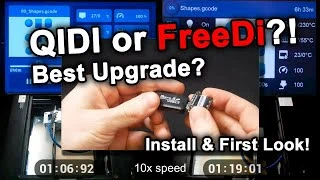
Install guide from Chris specific for the Plus4:

Note for Plus4 users:
Chris' made a dedicated install video guide for the Plus4. It shows some specific steps for the Plus4 and can be useful for Plus4 users. It is in german, but audio can be translated via Youtube.
Watch the German install guide from Chris:

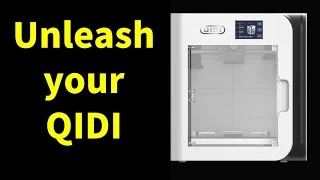
Watch the X-smart 3 install guide from Kapman's Basement Workshop:
Note for X-Smart 3 users:
For X-Smart 3 users looking to install FreeDi, there is now an additional video guide available on YouTube by Kapman's Basement Workshop. This video complements the existing FreeDi installation guide and provides additional insights specific to the X-Smart 3. Just remember: The official FreeDi installation guide remains the primary reference, especially for beginners. The Kapman’s Basement Workshop video presents additional steps that are useful but may not be explained in as much detail as the official guide. Watching both guides is recommended for a complete and smooth installation process for the X-Smart3.
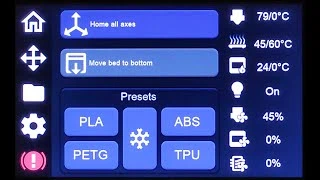
Display Menu Guide:
The display menu has been designed with the primary goal of being as intuitive and user-friendly as possible. Rather than explaining each menu and every function individually, I’ve created a video that highlights the most important features. This approach allows everyone to get a clear picture of how to use the menu effectively and efficiently.
By focusing on a clean, straightforward design, the menu aims to provide an effortless user experience, minimizing the need for extensive explanations or training. I hope you find it easy to navigate, and that the video provides all the guidance you need to make the most of the menu's capabilities.
Feel free to watch the video to get a hands-on understanding of how everything works. Your feedback is always welcome, as it helps me continue improving the user experience. Happy navigating!
Watch the display menu Guide by C0co: