Toolhead Setup for Q1 Pro
Welcome to the Plus 4 toolhead preparation before the final step:
The FreeDi Wizard.
On the Q1 model, the toolhead needs a special connection to be able to flash the firmware to the board. But don't worry, it's quite easy!
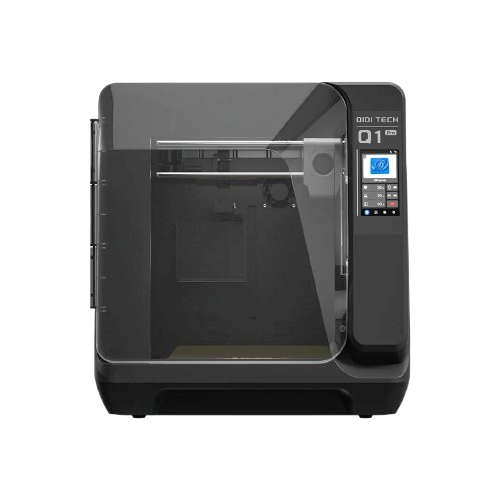
Q1 Pro required additional hardware
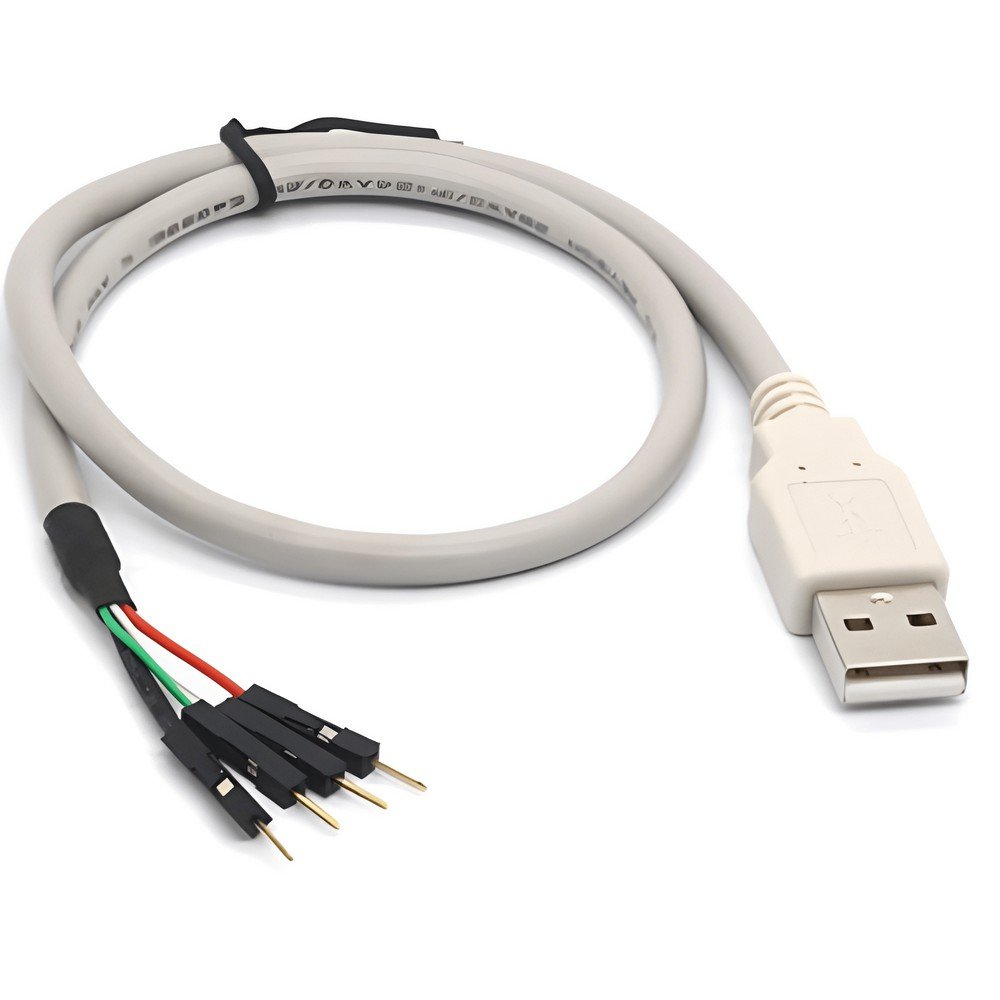
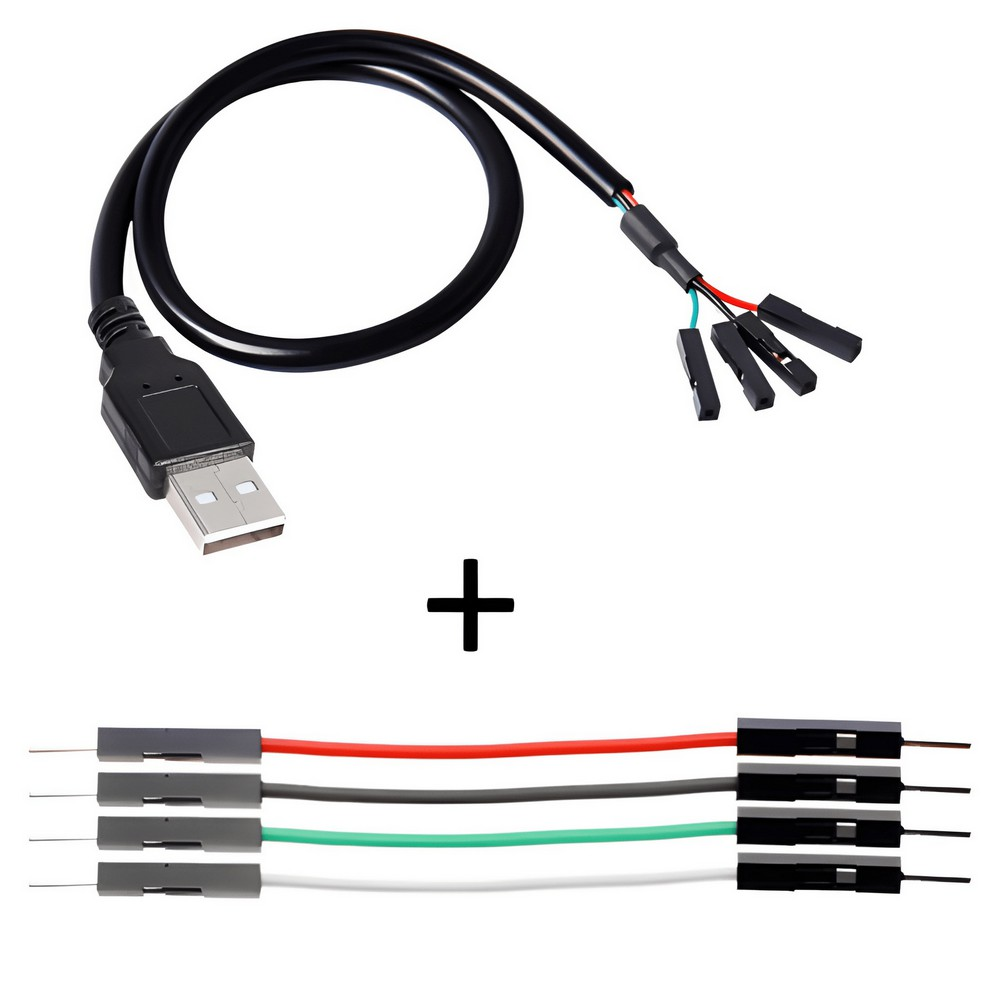
IMPORTANT: Please note, that you need a basic USB breakout cable. Do NOT use a USB <-> UART converter/cable!
Danger
Make sure your printer is POWERED OFF before dealing with electronics to avoid causing a short!
STEP 1: Remove the back cover from the toolhead
- Remove any attached USB drives/thumb sticks from your printer.
- Remove the 4 screws to pull out the back cover of your toolhead.
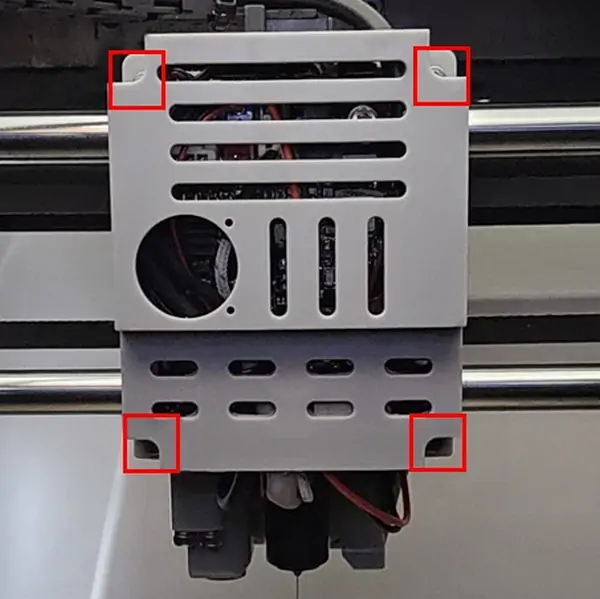
When the back cover is removed, you will see the toolhead board:
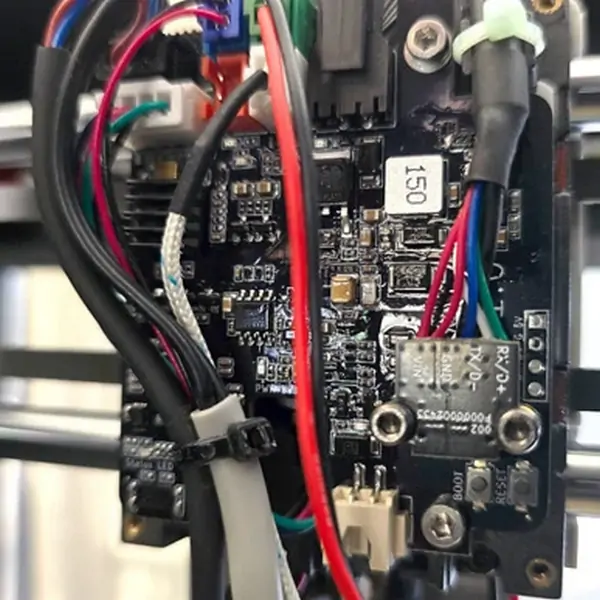
STEP 2: Plug the wires on the toolhead board
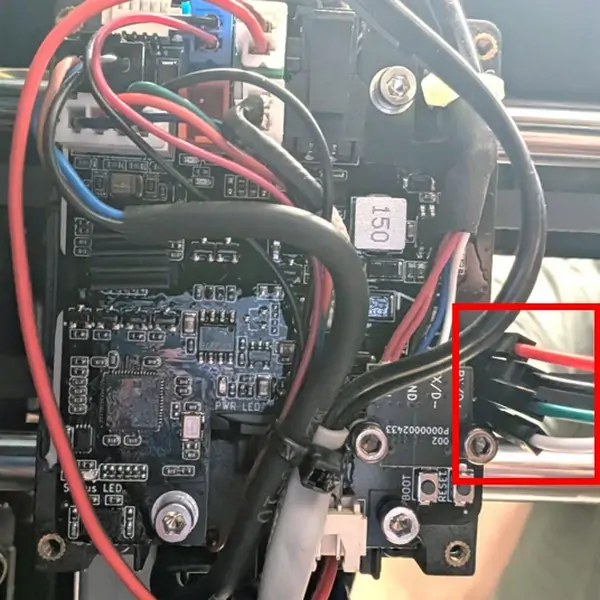
Find the serial pins of your toolhead board, on the right side:
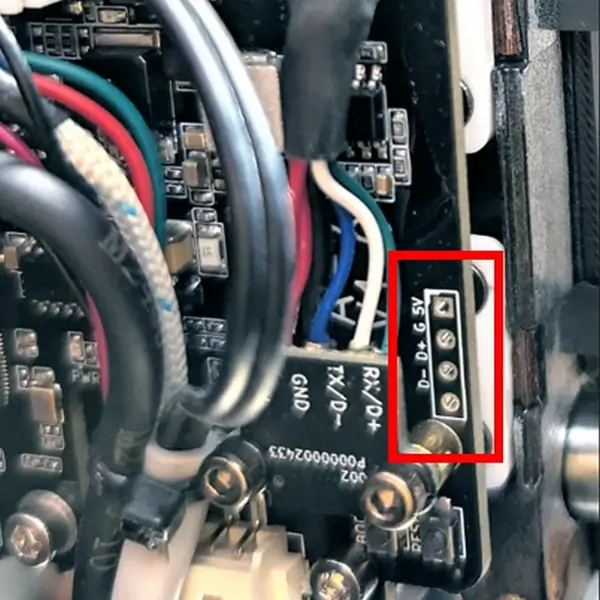
Take your USB breakout cable :
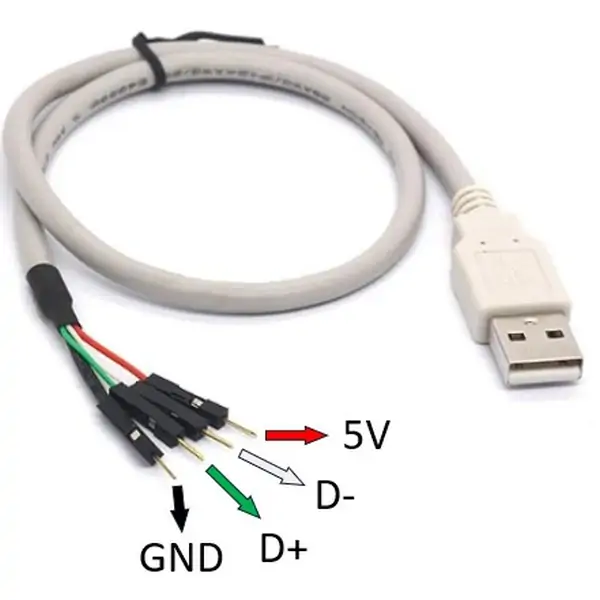
Plug the wires on the board pins:
- ⚫ BLACK: on GND
- 🟢 GREEN: on D+
- ⚪ WHITE: on D-
- 🔴 RED: 5v (but dont use it)
Some wires do come with a different color code (they simply dont follow the rules 😉).
So it may be necessary to eg. swap green and white.
NOTE: please don't use the RED cable: necessary for specific cases only
STEP 3: Secure the wires
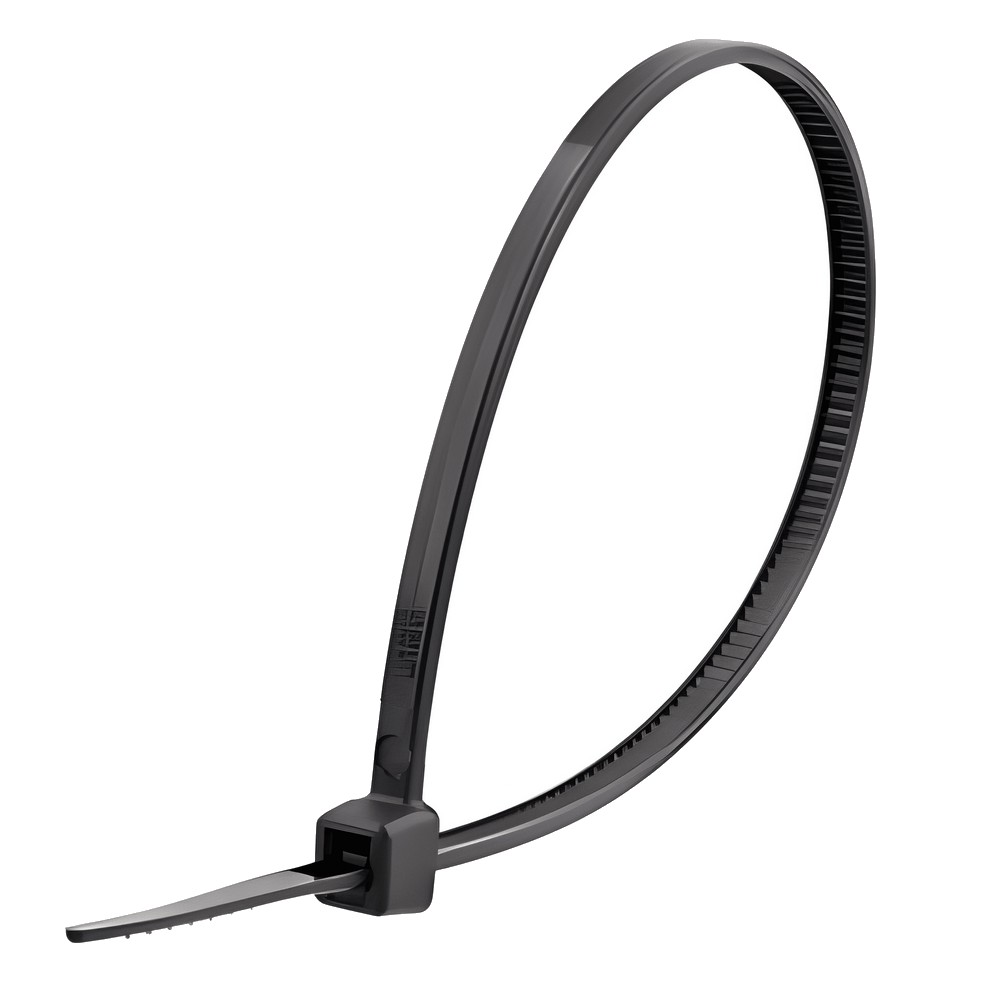
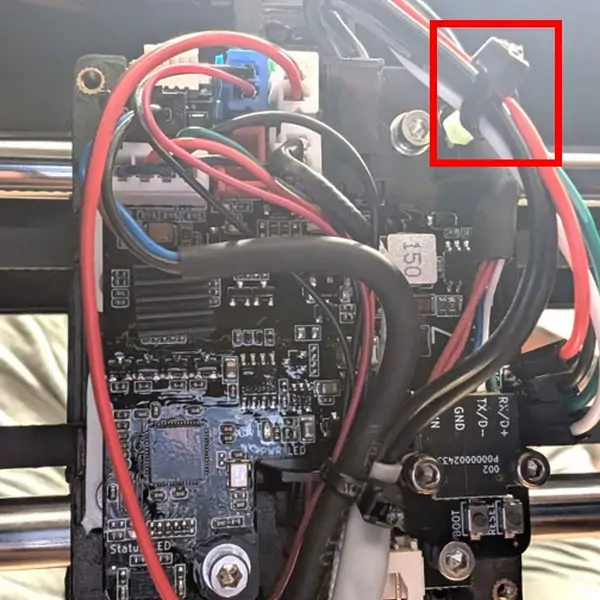
Since the cables are currently only loosely connected, take the ziptie and attach them to the upper wires with slight tension.
This will ensure the wires dont come loose and tilt them a bit, to make a good contact between the wire pins and the toolhead board.
Warning
Make sure that each individual cable is under "slight" tension.
This way you have a temporary secured connection to the toolhead board.
STEP 4: Plug the USB side on the USB port of your printer
- Please attach your wires accordingly and double check that they match the above configuration!
- Then you can go to the next section of this guide to "Meet the Wizard"
- That's it! Your toolhead is now prepared for the Wizard!
Click the image & let the FreeDi Wizard do its magic: He will install everything for you! Plus: You won't need the USB breakout cable any more in the future! This guy is a true magician!✨

Thanks SlickChris and Benlye for providing pictures to create this page