Preparation
DISCLAIMER
The advanced installation guide is meant for experienced users who know what they are doing!
If you are a beginner with not much knowledge about Klipper or printers electronics and configuration, please stick to the easy installation guide!
Let the FreeDi Wizard do the magic for you!
This section provides the necessary hardware, software, and information to convert the supported printers into a FreeDi printer.
Supported printers:
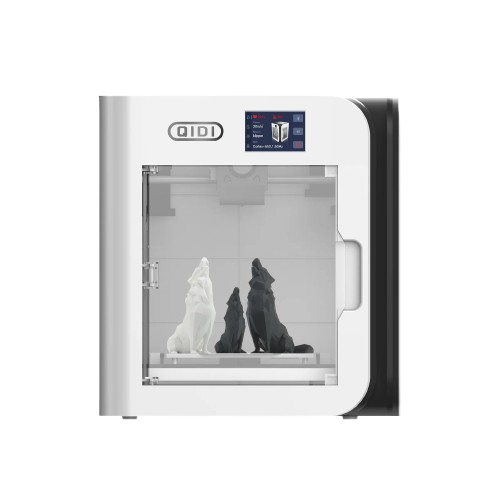
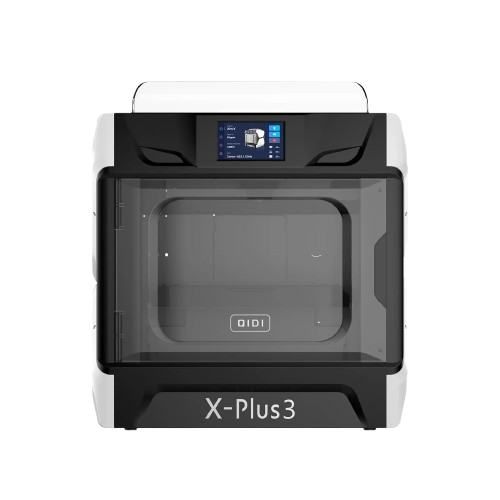
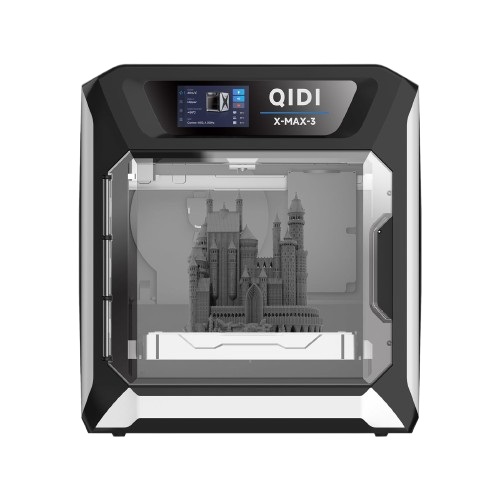
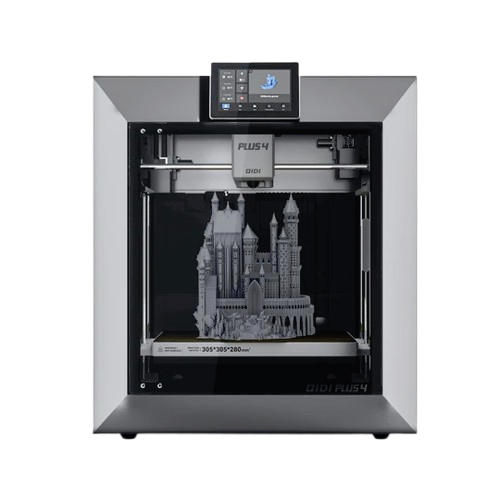
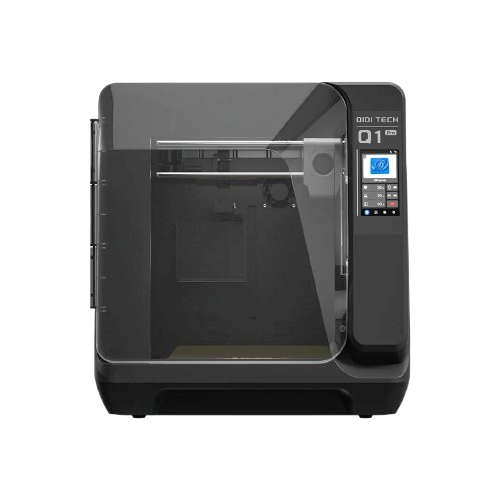
First off... Why?
QIDI printers feature hardware with great potential, but they come preinstalled with outdated software, offering no way to update the system or access the latest Klipper features and OS optimizations.
These printers could perform better and faster while offering higher usability for everyone.
Here is a list of what bottlenecks the functionalities of the QIDI printers with the stock system:
- OUTDATED Operating System:
Rusty Armbian Buster - OUTDATED Klipper:
version 0.10.0 instead 0.13.0 - LOCKED updates and addons
- LESS controls on the screen
- LESS storage:
filled with a lot of unnecessary things
REQUIREMENTS
IMPORTANT:
Before starting your journey to convert your QIDI printer into a FreeDi printer, please review the "Before you start" section to prepare the tools required for the installation process.
Required Informations for the next steps :
- Printer IP Address: You'll need the IP address of your printer to connect via SSH.
- Default Login Credentials are:
- User: mks
- Password: makerbase